
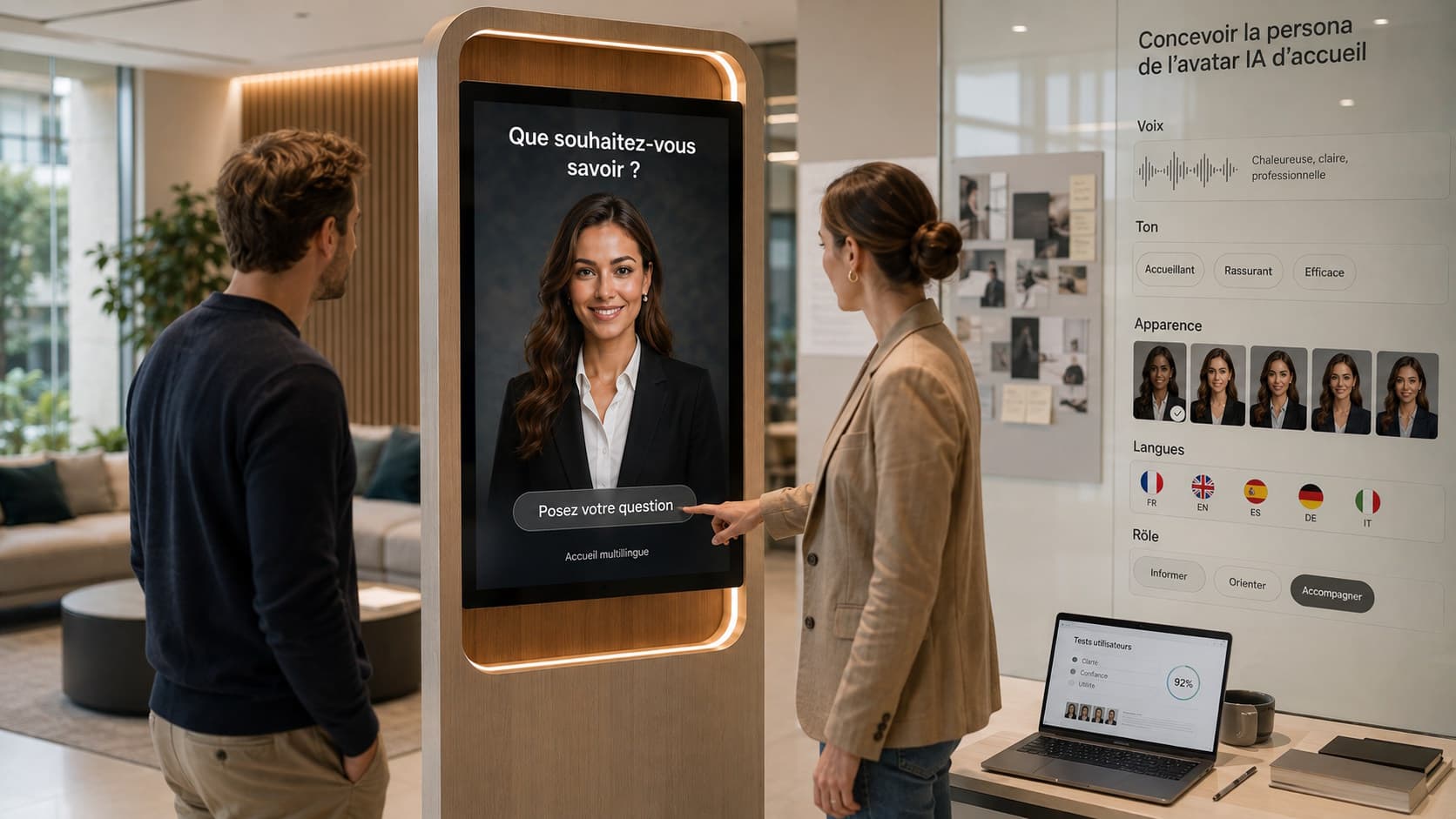
Why is a persona essential for a reception AI avatar?
An AI avatar’s persona is not mere aesthetic dressing. It guides tone, formulations, expected behaviours and the assistant’s limits. A coherent persona helps visitors quickly understand what the avatar can and cannot do, improves interaction clarity and ensures alignment between the tool and the brand or public service.
In a public space, reception on a screen or kiosk creates immediate contact with the visitor. The persona must therefore reassure, be understandable by the target audiences and integrate harmoniously with other information channels.
Persona components: what needs to be defined
A persona for a reception AI avatar comprises several distinct but connected elements: visual identity (avatar, graphic dressing), voice and timbre, editorial tone, expected behaviours (for example level of formality, error handling), and the system instructions that guide the conversational engine.
Technically, a persona can combine a visual identity, a voice, an LLM engine and system instructions defining its role. These elements should be designed together to ensure a consistent experience.
Practical steps to define a persona
Start by identifying priority audiences and use situations: occasional visitors, families, regular customers, foreign visitors, people with disabilities, etc. Each audience has different expectations regarding tone and information.
Organize a workshop involving marketing, reception, legal and operational teams to formalize the persona’s objectives: what role should the avatar play? Inform, guide, support the human team?
Write a simple, operational tone charter that specifies the register (formal, neutral, warm), the desired level of detail in responses, how to welcome and close an interaction, and the limits to be systematically reminded (for example for medico-legal questions or confidential requests).
Define the priority scenarios to cover at launch and the situations where the avatar should invite the visitor to contact a human team member.
Choosing the voice: intelligibility, identity and consent
Voice strongly influences perceived credibility. Prioritize clarity and intelligibility over purely aesthetic choices, especially in noisy or multilingual environments. Consider compatibility with the voice interface and actual audio playback on the chosen equipment.
If using a custom or cloned voice is considered, it is essential to obtain the necessary rights and consent. A bespoke voice can strengthen identity, but it must remain neutral and respectful of the audiences welcomed.
SANIA can be configured to use a custom or cloned voice depending on the project setup and required rights. The ability to handle voice interruption during responses can also make exchanges feel more natural and should be tested.
Visual identity and representation: diversity, rights and legibility
The visual avatar must respect the organisation’s graphic rules and be immediately legible on the screen or kiosk. If starting from a photograph or a realistic representation, verify the rights and the consent of the people depicted.
Considering diversity and inclusion from the design stage avoids cultural missteps. The chosen representation should fit the target audience and not create ambiguity about the avatar’s role.
SANIA can use a personalised avatar created from a photo or an adapted image, subject to the necessary rights when a real person is represented.
Writing rules and concrete examples to apply
Turning the tone charter into concrete writing rules makes response consistency easier. Specify target response lengths, structure (welcome, answer, next option), handling of ambiguous cases and how to propose redirection to a human agent when necessary.
Here are some operational principles to include in the charter:
Favor short sentences and positive formulations.
Begin by confirming the visitor’s request, then provide the essential information.
Offer a clear next option (for example “Would you like the opening hours or the access map?”).
Avoid absolute promises and remind users of service limits for sensitive topics.
Use vocabulary appropriate to the target audience, especially for non-specialists.
Test the persona in real conditions and adjust it
Validation requires user tests representing the different audiences. Simulate recurring interactions, ambiguous requests and stress scenarios (noise, interruptions, out-of-scope questions).
Check consistency between voice, visual and text: a warm tone paired with overly technical language can confuse the visitor. Also test the ability to change language during a session if your audiences are multilingual, keeping in mind that SANIA can communicate in more than 100 languages and adapt recognition language during the conversation if that option is configured.
Plan regular reviews of content and the tone charter to correct drifts and integrate feedback from operational teams.
Common mistakes and points of caution
Making the persona an overly realistic human copy can generate inappropriate expectations. It is better to be transparent about the avatar’s scope and the situations where the user should address a staff member.
Do not automatically associate an attractive voice with good comprehension. Aesthetic choices must not harm intelligibility, especially for vulnerable audiences or in noisy environments.
Ignoring accessibility: the persona must be designed in connection with the interface and the equipment. Accessibility also depends on the hardware, the interface and complementary devices put in place.
Omitting legal aspects and authorisations for the use of a voice or image. Any cloned voice or image of a real person requires the appropriate rights and consents.
Adaptation examples by venue type (hypotheses)
Museum: an informative, educational persona with an accessible tone, vocabulary avoiding jargon, ability to propose simple themed routes.
Hotel: a service-oriented persona, warm yet professional tone, language focused on amenities and schedules.
Tourist office: a multilingual, factual persona oriented towards local activities and practical information.
These examples illustrate possible editorial choices. Each project must define the persona according to its audience and objectives.
Frequently asked questions
Can a known person’s voice be used for the avatar? It is possible to use a custom or cloned voice, but this requires obtaining the rights and consent of the person concerned. This choice should also be evaluated in terms of image and suitability for the audience.
Should the entire knowledge base be translated for every supported language? SANIA can communicate in more than 100 languages. Rather than mechanically translating all content, it is often preferable to prioritise essential information and ensure the quality and timeliness of content available to multilingual audiences.
In practice: preparing launch and what follows
Formalise the persona in a shared document that contains the tone charter, writing rules, instructions on voice and visual avatar, and the priority scenarios. Involve operational teams in writing and testing.
Plan a content and charter update process after launch, fed by field feedback. Define situations in which the avatar must direct the visitor to human staff.
Where relevant, SANIA can be configured to use custom voices, handle voice interruptions and support multilingual interactions. These capabilities should be considered during testing and editorial choices.
To go further
A well-designed persona eases acceptance of the avatar and makes the visitor experience smoother. It should result from a strategic choice, validated by tests and maintained over time.
SANIA enables deployment of a reception AI avatar with a customised persona on a screen or interactive kiosk. To study how a persona could be designed and adapted for your organisation, you can request a demonstration of SANIA.